tier 1 — platform
iTicket
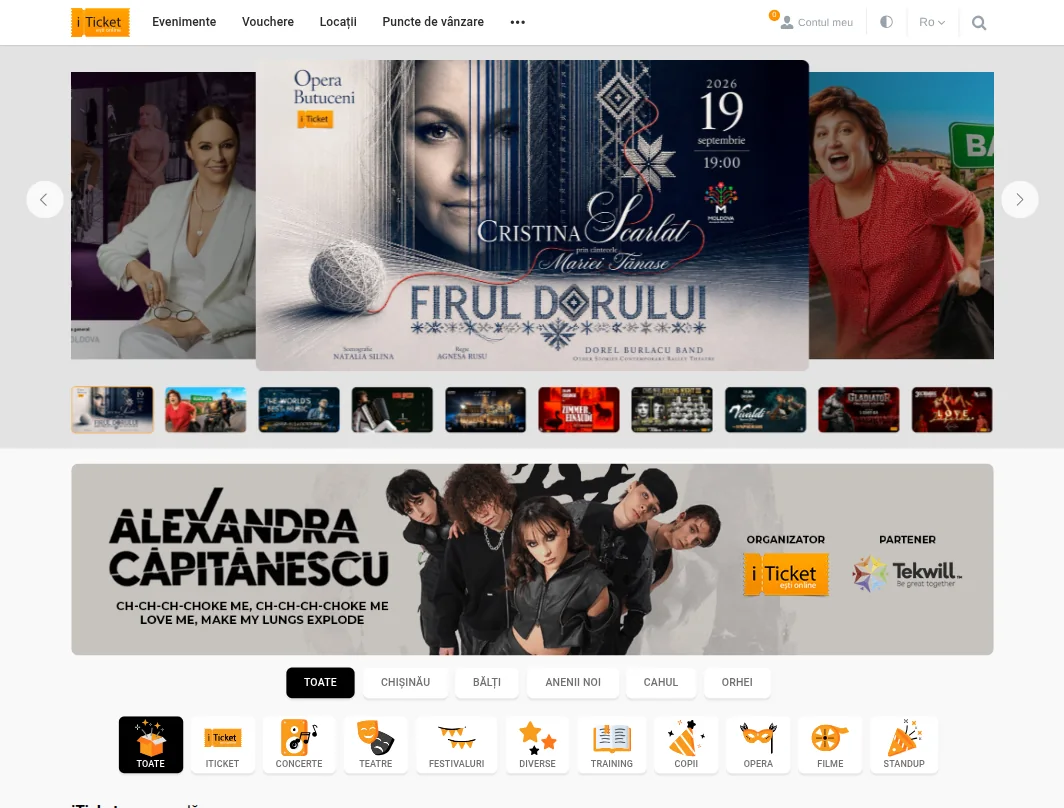
A platform for ticket sales and event management: from publishing an event and picking a seat on the hall plan to payment, ticket issue, entry control and settlement with the organiser. Six interfaces in one product, two markets with their own tax rules — Moldova and Romania — interface and content in Romanian, Russian and English. In active development and support for many years now.
iticket.md
iticket.ro
public site
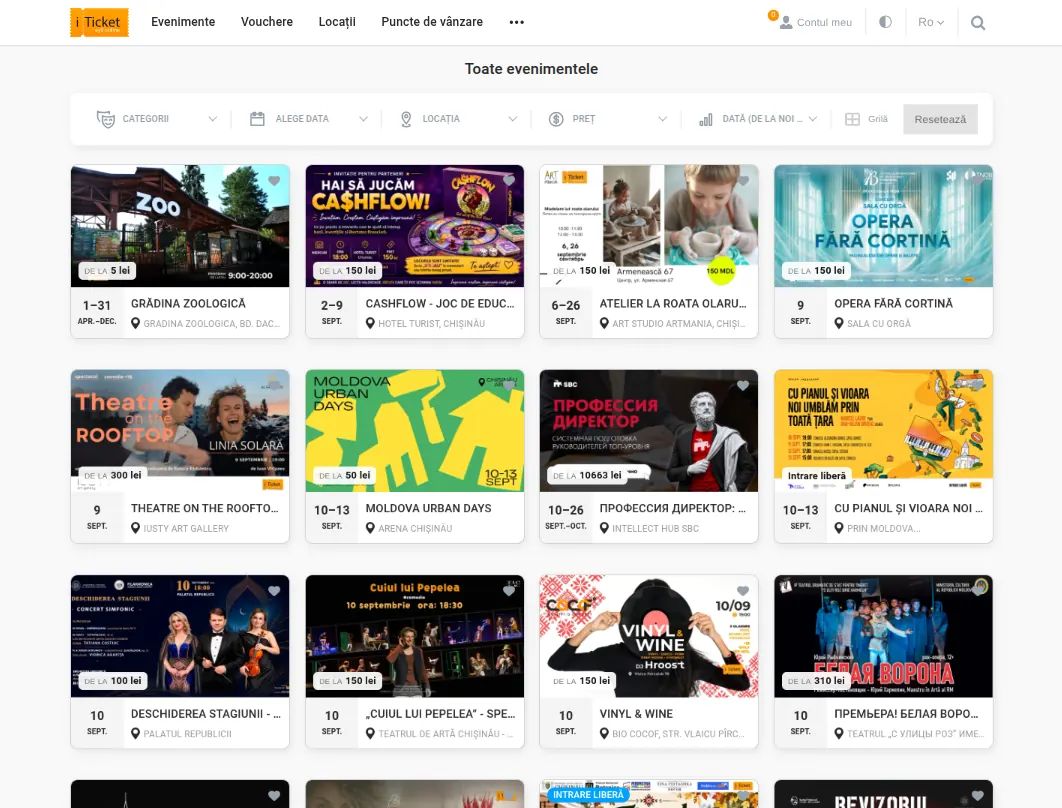
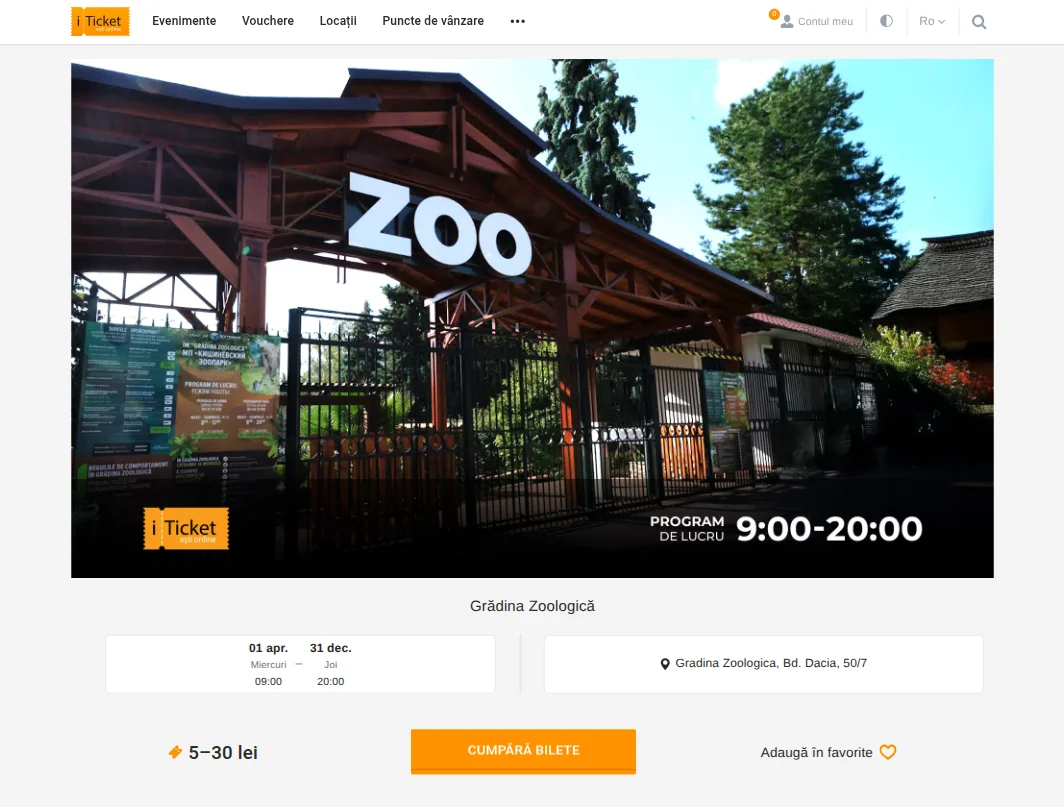
Event catalogue, search, hall plan with seat selection, checkout and a personal account. Different prices by sector, row and individual seat; a temporary hold prevents one seat being sold twice and releases itself if payment does not go through. Three languages each with their own URLs, structured data and sharing images, cookie consent.
organiser portal
Creating and running events, your own team, sales reports. Several companies and contracts per organiser, commission tiers and carried-over advances, commission split across separate accounts, electronic invoices into the fiscal system, configurable rules for cancellations and partial refunds.
admin panel
Internal operations, financial statistics, accounting reports with export to Excel and PDF. Role-based access rights and a full change log, GDPR flows for deleting and transferring personal data. Interface texts are edited by the client’s team, without developers.
box office
A physical point of sale: issuing and printing a ticket on the spot from templates configurable per event.
gift voucher shop
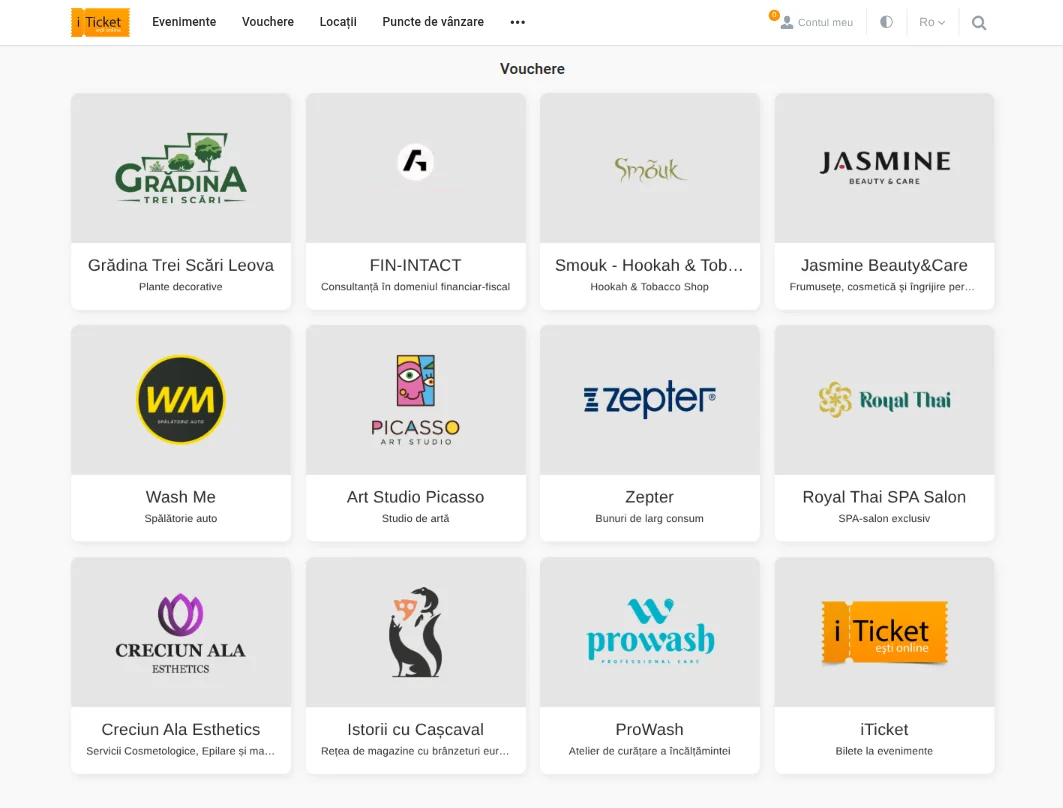
Buying a voucher, sending it to a recipient, redeeming it against a ticket order, and scanning.
buyer app
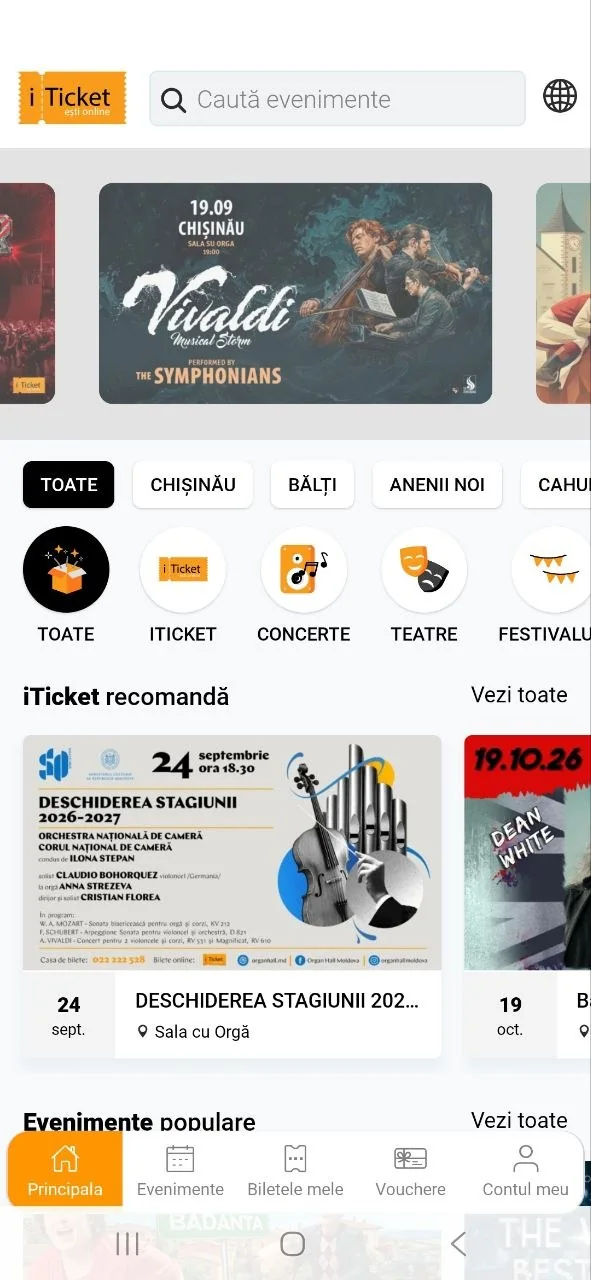
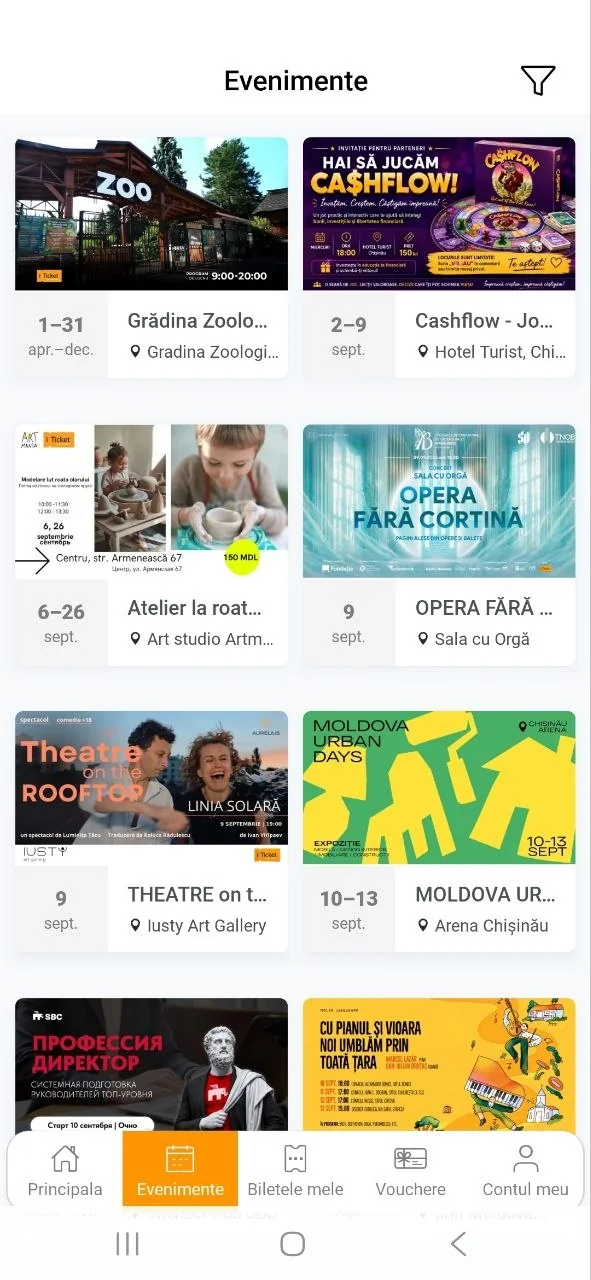
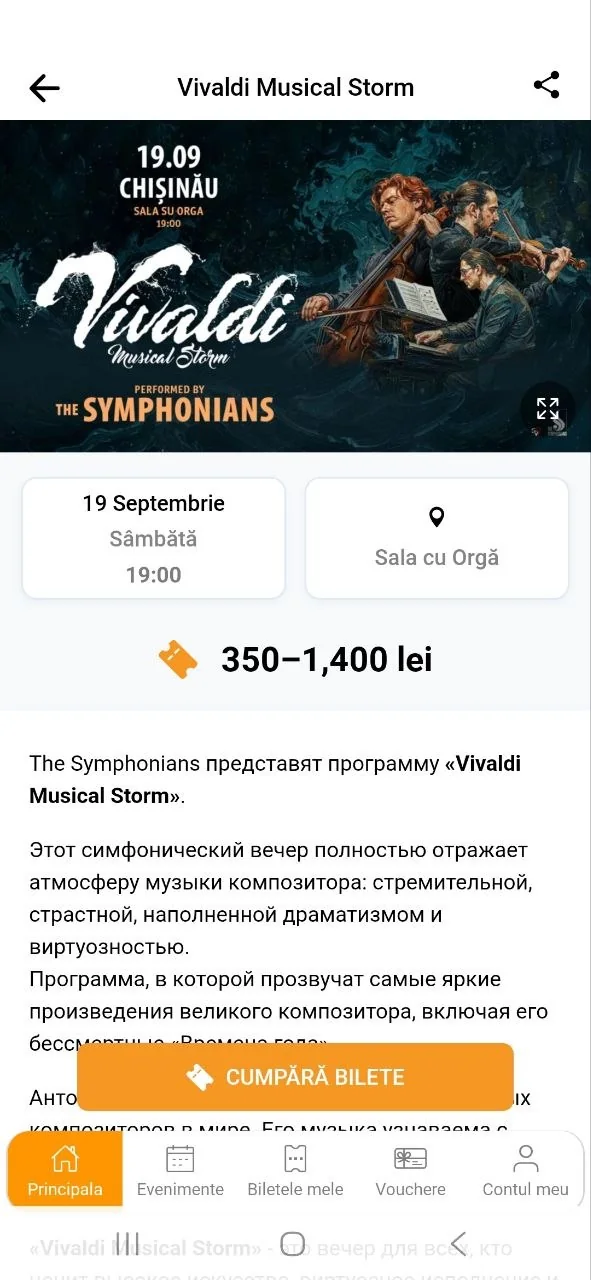
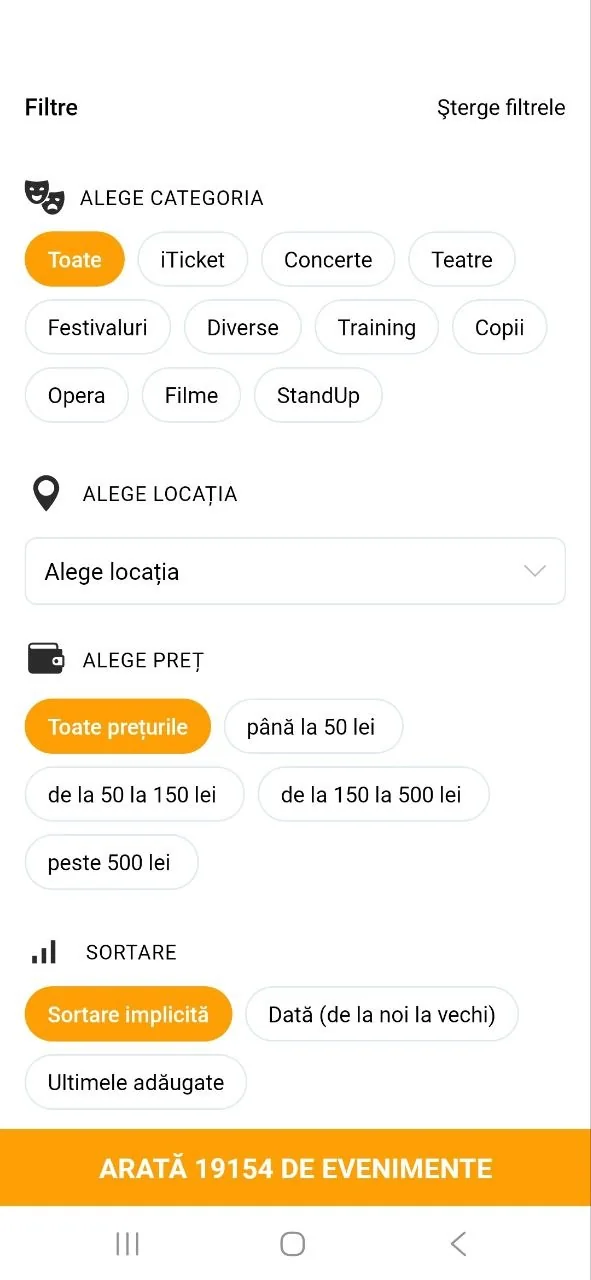
Search, promoted events, category chips, filters by city, tabs for tickets, vouchers and the account. Payment by card, by QR straight from the banking app, from the account balance, by invoice or on delivery — with a transaction history and its own error handling for each method. Push notifications.
scanning app
Ticket control at the entrance for venue staff: QR scanning and real-time statistics for the event.
API and integrations
Integrations with external partners, booking widgets for third-party sites, email and SMS campaigns with template preview, a referral programme with payouts, cashback campaigns and A/B tests. Entry through turnstiles belongs here too: the turnstile stands at the venue and speaks its own protocol.
tier 1 — platform
CNIPMMR — employers’ confederation portal
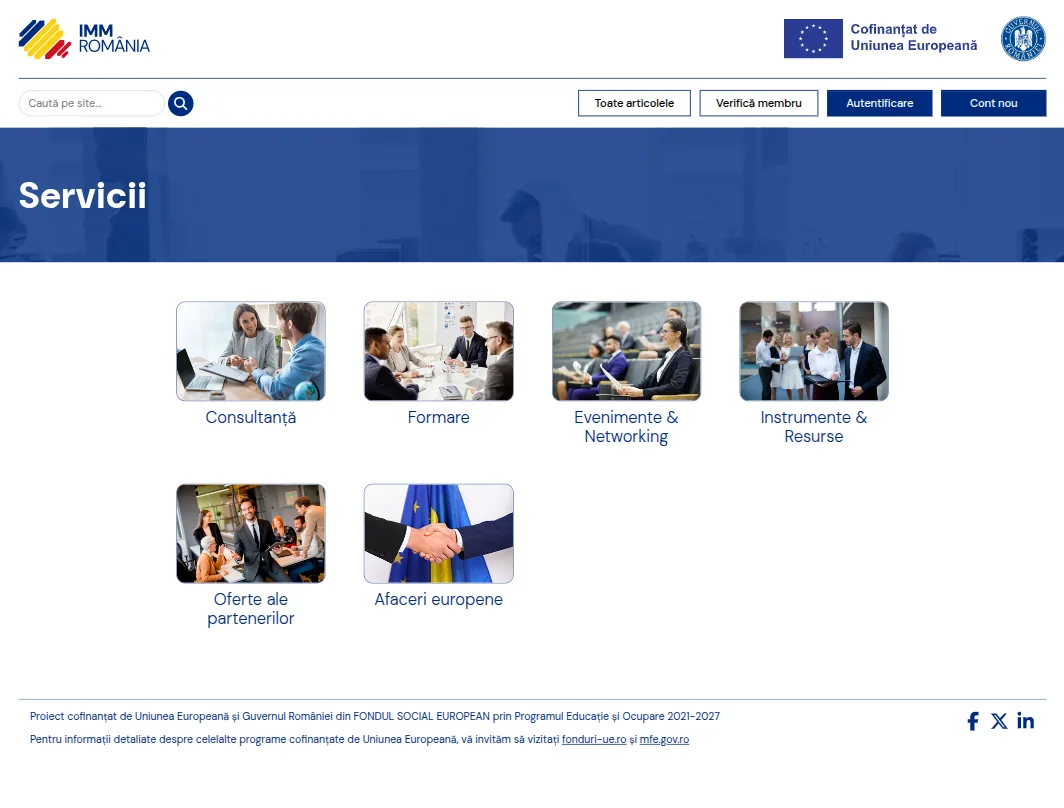
The portal of Romania’s national employers’ structure for small and medium enterprises, organised on three levels: confederation → employers’ associations → member companies. The main task was not showing the content but deciding who has the right to see what: an association’s representative sees only the companies of their own association, the federation only the structures beneath it, the administrator the whole registry — and no list, filter or export may fall outside that rule. On top of the registry sit a consulting service, an archive of working committee reports, and a section of specialist content for confirmed members only. Built as developers within the partner’s team.
servicii.immromania.eu
public site
A presentation of the confederation, service categories, articles and public documents. Site-wide search with highlighting of matches. Sections become public only after being explicitly published — nothing opens up retroactively. Images are converted on upload to a web format and a single geometry regardless of source, and user-entered content is stripped of stray code before publication.
member registry
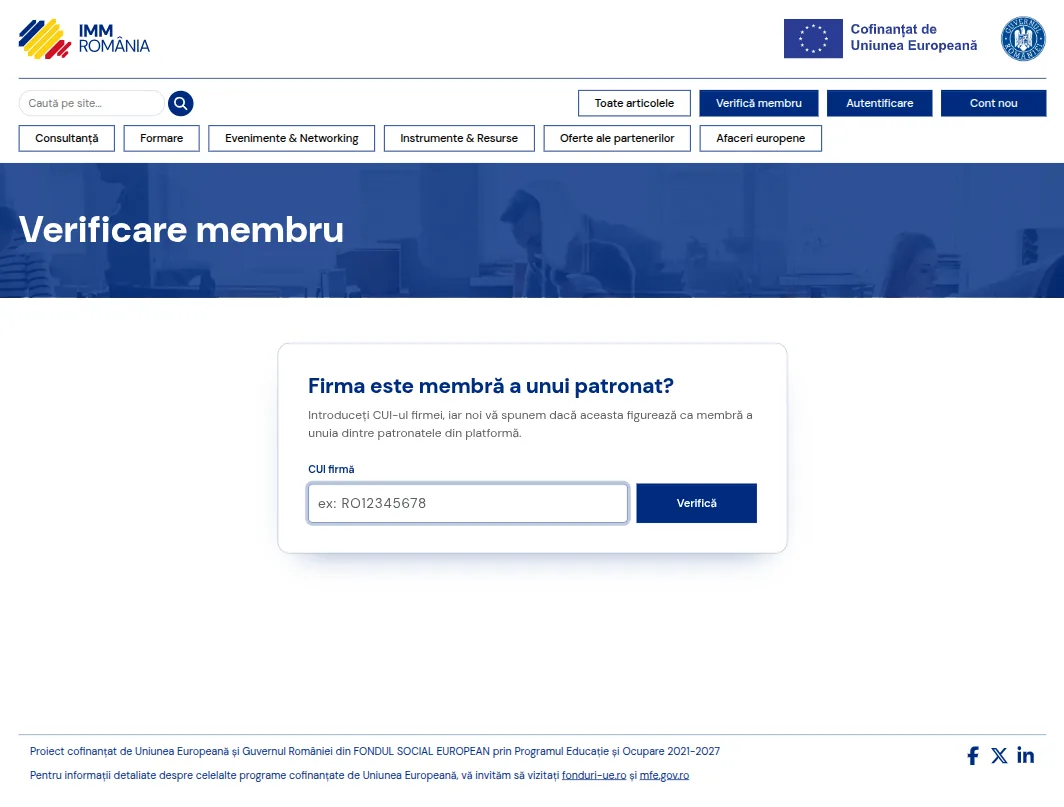
The full confederation → association → member company hierarchy, maintained directly in the application. A company record with identification details, sector, CAEN codes, region and county. Bulk import of companies from Excel and CSV — to take over existing records. Working committees and economic sectors as cross-cutting structures above the registry. A change history on every record: who changed what and when.
access by level
Everyone sees only the structures they belong to: administrator, federation, association or their own company. The access rule is applied in the database query itself rather than by hiding buttons in the interface — so it extends by itself to lists, filters, search and exports, including whatever gets written later. The rights matrix is configurable per user and administered visually. Registration with email confirmation: until confirmed, an account counts as an ordinary anonymous visitor.
consulting service
Member companies send questions to the federation’s consultants by service category, with documents attached to both the question and the answer. A question is routed to the consultant responsible for that service. Notifications about new questions and about answers received.
reports and documents
An archive of working committee reports with file upload. A clear separation between public documents and those available to members only. Private documents are never left in the open: downloading goes through a controlled route that checks the right on every request. Photo galleries can be restricted too, and a restriction can be lifted at any time.
administration
The interface is entirely in Romanian, with a translation editor inside the application itself. Panel notifications about events that need attention. Users, rights and membership of structures — all from one place.
tier 1 — platform
Foi de parcurs
A web application that compiles a company’s waybills and refuses to issue a document that does not reconcile. The sum of the trips exactly equals the difference in odometer readings, distances come from a routing service for the specific route, and generated routes do not repeat from month to month. Every figure has a source, every action leaves a trace, and a finalised document is not changed retroactively: a correction creates a new version linked to the original. Built as developers within the Blue Twin Bit team.
foi-parcurs.bluetwinbit.com
public page
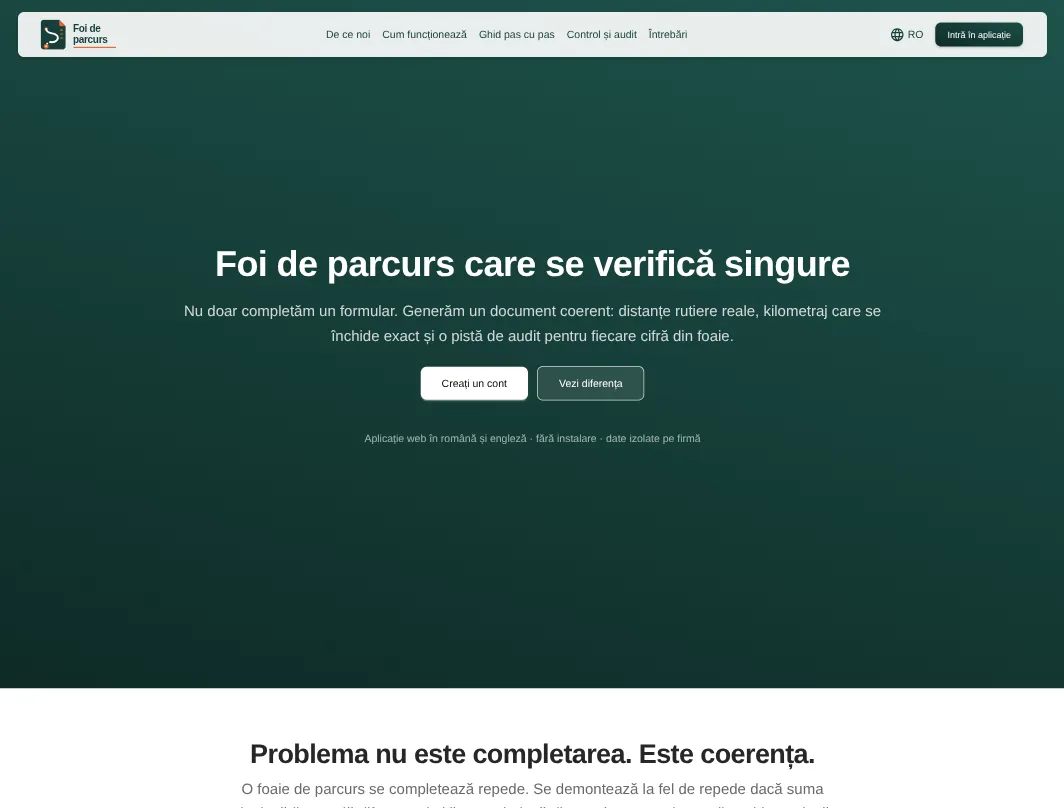
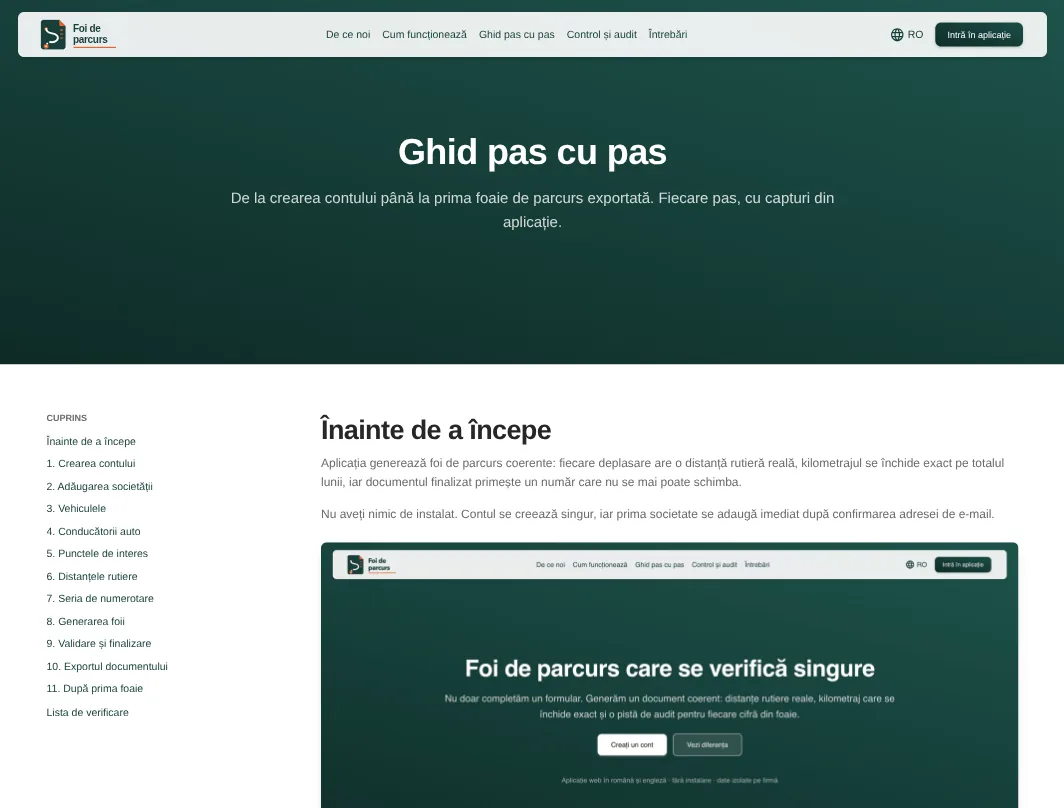
Presentation, a step-by-step guide and common questions. Romanian and English, with sign-in to the application from the same place.
directories
Company details are pulled in by CUI from public registries. After that come vehicles with their consumption norm, drivers and points of interest: one at a time or imported from a file, with the address confirmed on the map before it reaches a route.
generation wizard
Month, vehicle, starting and ending mileage, driver, and the points that may enter the routes. The limits are configurable: days, trips, trips per day, permitted days; empty fields take the company’s default rules. The proposal is checked on screen — daily and monthly totals, the source of every distance, warnings; it can be edited by hand, regenerated, or a constraint can be relaxed.
the document holds together
In strict mode the sum of the trips exactly equals the mileage difference; if no valid combination exists, the application says why and what can be changed, but never moves the limits itself. Distances come from a routing service, for the car profile and the exact direction — the matrix is directional. A pair of points without a distance does not block the month, but is never filled in with invented numbers. The generator avoids clustering, repetition and implausible jumps, and the seed is stored: the same data and the same seed produce exactly the same document.
finalisation and export
The series and number are issued atomically and are unique even under simultaneous finalisation; a cancelled number stays used up. A finalised document is immutable, a correction creates a new version linked to the original, and cancellation requires a reason. At generation the details of company, vehicle, driver and points are frozen — an address changed tomorrow does not touch last month. Export to DOCX and PDF from one version of the data, layouts are versioned, and a historical export is reproduced with exactly the layout it was made with.
companies, roles and control
One account runs several companies, each with its own role: administrator, operator, observer. Colleagues are invited by email, access is revoked at any moment, and one company’s data is not visible from another. Auditing on generation, edits, finalisation, cancellation and exports — with author, date and the values before and after. Vignette, insurance, technical inspection, driving licences and company documents are tracked by expiry, with a warning on screen and by email. Two-factor sign-in is optional and can be required of everyone.
tier 1 — system
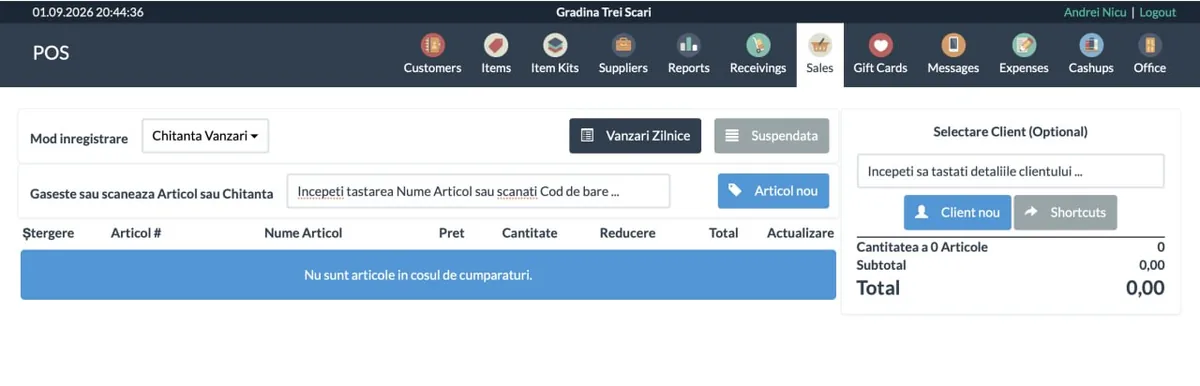
Point-of-sale system for retail
An open point-of-sale solution taken all the way to small retail shops in Moldova: compliance with local fiscal requirements, a link to the equipment the shop actually has — fiscal printer, electronic scales, barcode scanner — and trading flows in the form they are actually run here. Each shop has its own copy with its own product list, styling and settings; we install and maintain them ourselves. It was extended according to what the cashiers and accountants asked for, not according to a theoretical feature list. Running in four shops: Grădina trei scări, Connection, Deliart, Dulce – Sănătos.
box office
Large buttons and visible actions — the screen is touched dozens of times an hour. The customer from the previous sale is filled in automatically where the shop works with regulars. The session is lengthened so the password is not asked for again mid-shift. Automatic actions that got in the cashier’s way — printing and the auto-return to the screen — were removed. Long product names wrap onto several lines.
the fiscal part
Every closed sale is printed as a fiscal receipt: items, quantities, discounts, tax group. The payment type — cash or card — reaches the device correctly, otherwise the reporting does not reconcile. Mixed payment is separated out: on partial payment by gift card, only the amount actually accepted fiscally goes onto the fiscal receipt, and the rest stays in the shop’s internal records. The operating mode switches between installation, testing and production without code changes.
scales
A separate PLU numbering for weighed goods, issued automatically from a reserved range. The upload file for the scales is exported straight from the application, so the product list in the shop and in the scales do not drift apart. The barcode printed by the scales is recognised at the till: the weight or the amount is taken from the code. A product is marked as weighed right on its own record.
goods receipt and documents
Import of receipts and products from XML, picking up barcodes and categories — a receipt is no longer typed in by hand, item by item. Filtering products by the receipt they came in on. Turning an offer into an “invoice for payment” — the form used when working with companies. A supplier column in the product reports. Gift cards work in payment, including partial payment.
price tags
Printing price tags straight from the goods receipt note, with the design reworked. A separate, prominent button for printing prices after goods are received. The retail price is hidden where the shop does not use it. A barcode with the price for the products that need one.
installation and support
A separate copy per shop: its own database, its own product list, its own styling. Delivery in containers, the security certificate is issued automatically, and updates reach every installation the same way. Secure remote access for intervention and support, without exposing the shop’s network. Equipment setup — printer, scales, scanner. Initial import of the product list and stock from whatever records were already kept. The interface in the staff’s languages, and training for the cashiers at launch.